
Email Sunset Policy: When to Stop Mailing Inactive Subscribers
Stop mailing a subscriber once they have stayed silent longer than the engagement window you set for your list and have ignored one final reconfirmation message. A clear email sunset policy turns that into a written rule: decide what “inactive” means for your program, give quiet subscribers one honest chance to say they still want your mail, and move anyone who doesn’t respond to a suppression list. Suppressing instead of deleting means people who come back on their own are not lost.
Mailbox providers ask for this directly. Yahoo tells senders to mail an active, engaged audience and to periodically send reconfirmation emails to inactive subscribers. Apple asks senders to periodically remove or suppress disengaged subscribers and never reactivate addresses already on a suppression list. Long-dormant addresses also carry a quieter risk. Abandoned mailboxes can be retired and later reused as recycled spam traps, and M3AAWG suggests 12 months as a minimum inactivity period before an address is turned into one.
This guide covers how to define inactivity for your own list and how to run a last re-engagement attempt. It then explains how to build a suppression rule that holds up over time, using an illustrative example policy. It also covers how to tell whether the policy is working, and how sunset rules change for affiliates, agencies and audience data programs.
What an email sunset policy is and why mailbox providers care
An email sunset policy is a written rule for when inactive subscribers stop getting your regular mail. It sets out three stages: when a subscriber counts as inactive, when they get one last re-engagement attempt, and when they move to suppression so you stop sending to them. The rule exists because mailbox providers judge senders largely by how recipients respond, and people who never engage are a weak signal at best.
The major providers say this directly:
- Yahoo says the best way to get mail delivered is to send timely, relevant email to an active, engaged audience. Its sender best practices for Yahoo Mail also ask senders to monitor inactive recipients alongside hard and soft bounces.
- Apple tells bulk senders on its postmaster guidance for iCloud Mail to periodically remove or suppress inactive or disengaged subscribers.
- M3AAWG, the industry anti-abuse working group, explains in its guide to spam trap hits that formerly active addresses can be retired after a period of inactivity and turned into recycled spam traps. Hitting one usually points to poor list management, an old list or missing bounce processing.
Those three points connect. A subscriber who stopped opening two years ago may have abandoned the address. The address might start bouncing, or it might quietly become a trap. Subscribers who are still reading but no longer want your mail are more likely to click “report spam” than to look for the unsubscribe link. Every send to that group adds weight to the bounce and complaint signals providers use to decide whether the rest of your mail reaches the inbox.
So a sunset rule is not a cleanup chore you get to when you have time. It is ongoing reputation maintenance. It protects the inbox placement of the subscribers who do want to hear from you, and that is where your revenue comes from.
How to define ‘inactive’ for your own list
There is no single industry number for “inactive,” so you have to set your own definition and write it down. Yahoo’s sender best practices ask senders to monitor inactive recipients and periodically reconfirm them, but they leave the timeframe to you. A written definition keeps your team, your clients and your email platform applying the same rule every time.
Choose signals you can trust
Base inactivity on actions that clearly came from a person:
- Clicks on links in your emails
- Replies to your messages
- Purchases or conversions you can tie to the subscriber
- Site or account logins
- Preference updates, such as changing topics or frequency
Treat opens as a weaker signal. Privacy features in some mail apps load images automatically, which can record an open the subscriber never made. An open on its own should not keep someone on your active list indefinitely.
Match the clock to your cadence and buying cycle
The right window depends on how often you send and how long your customers usually take to buy.
| List type | Sending pattern | How the window should feel |
|---|---|---|
| Affiliate offer list | Daily | Short. Silence shows up quickly when people receive mail every day. |
| Quarterly B2B newsletter | A few sends a year | Longer. Buyers may go quiet between purchase decisions. |
Stay well ahead of the trap threshold
Some abandoned addresses are later converted into recycled spam traps. M3AAWG suggests at least 12 months of inactivity before an address is repurposed this way. That figure is a minimum for trap operators. It is not a safe point to wait for, so set your sunset window well before it.
Start the clock at the last real engagement
Measure inactivity from the date of the subscriber’s last genuine action, not from their signup date. A subscriber who joined three years ago and clicked last week is active. A subscriber who joined two months ago and has never engaged may already need attention.
The last re-engagement attempt: reconfirm before you suppress
Before you stop mailing someone, give them one clear, easy chance to stay. Yahoo’s sender best practices recommend periodically sending reconfirmation emails to inactive subscribers. The same guidance requires a working one-click unsubscribe on marketing mail and asks senders to honor unsubscribes within 2 days. Those rules apply to re-engagement emails just as they do to every other campaign.
Ask one question, and make leaving easy
A reconfirmation email works best when it is short and asks one question: do you still want these emails? Give the reader three clear choices:
- Keep receiving: a single confirm link they can click.
- Change frequency: a link to fewer emails or a digest, if you offer one.
- Leave: a visible unsubscribe link, not one buried in the footer.
Avoid guilt-trip subject lines and fake deadlines. Someone who wants to leave and can’t find the exit is more likely to hit the spam button. One complaint does more harm than one quiet unsubscribe.
Send in controlled batches, not one blast
Your inactive segment may be large, and these addresses carry more risk than your engaged readers. Google’s email sender guidelines ask senders to send at a consistent rate and avoid bursts. Split the re-engagement series into smaller batches spread over several days. Watch bounces and complaints after each batch before you send the next one.
Decide what counts as a “yes” before you send
Set your rules before the first email goes out, so nobody has to make judgment calls later:
- Define a positive response. A click on the confirm link is a clear signal. A preference change also counts.
- Set a response window. Pick a fixed number of days after the final email in the series.
- Treat every non-responder the same way. Anyone who hasn’t responded when the window closes moves to suppression. Make no exceptions for segments that “used to be good.”
Deciding these rules up front keeps the process fair to subscribers and consistent from one cycle to the next. It also makes your results easy to measure.
Suppress, don’t delete: building the suppression rule
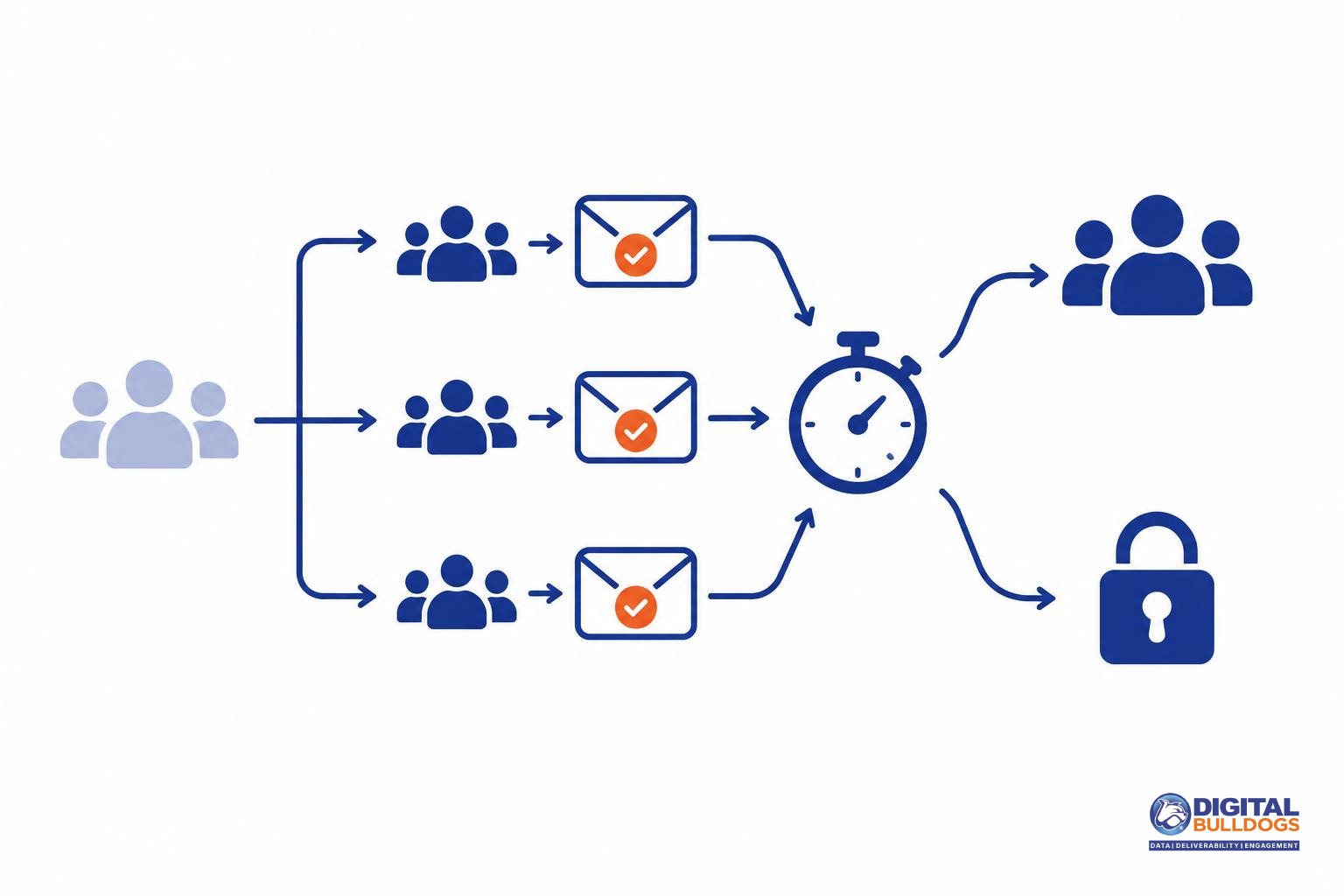
When someone ignores your reconfirmation email, move them to a permanent suppression list. Don’t delete them. Deleting feels tidy, but it erases the memory that this address should not get mail. The same address can come back through a later import, a signup form or a partner file, and you would start mailing it again without knowing it had already gone quiet.
Apple’s postmaster guidance for iCloud Mail tells senders not to reactivate addresses that are already on an unsubscribe or suppression list. A suppression list gives every new import and form submission something to check against before an address goes back into rotation.
Keep bounces separate from inactivity
Inactive subscribers and bad addresses are different problems, so treat them differently. Yahoo’s sender best practices ask senders to remove invalid recipients promptly. That cleanup shouldn’t wait for your sunset cycle. Apple also asks senders to have a standard policy for bouncing addresses and to remove addresses that bounce consistently.
Record why each address was suppressed
Tag every suppressed record with a reason. Each reason has different rules for whether the address can ever come back:
| Reason | What it means | Can it come back? |
|---|---|---|
| Sunset | No engagement, even after a reconfirmation attempt | Only if the person opts in again on their own |
| Hard bounce | The address is invalid or doesn’t exist | No, unless you have clear evidence it is valid again |
| Complaint | The person marked your mail as spam | Treat as permanent |
| Unsubscribe | The person asked to stop receiving mail | No. Do not reactivate it. |
Most suppression lists break when a sender runs more than one ESP or sending platform. An address suppressed in one tool keeps getting mail from another. Our list management and hygiene support can help you set up suppression logic and keep it in sync across all of them. If you’d like to talk through your setup, you can book a free consult.
An example sunset policy (illustrative only)
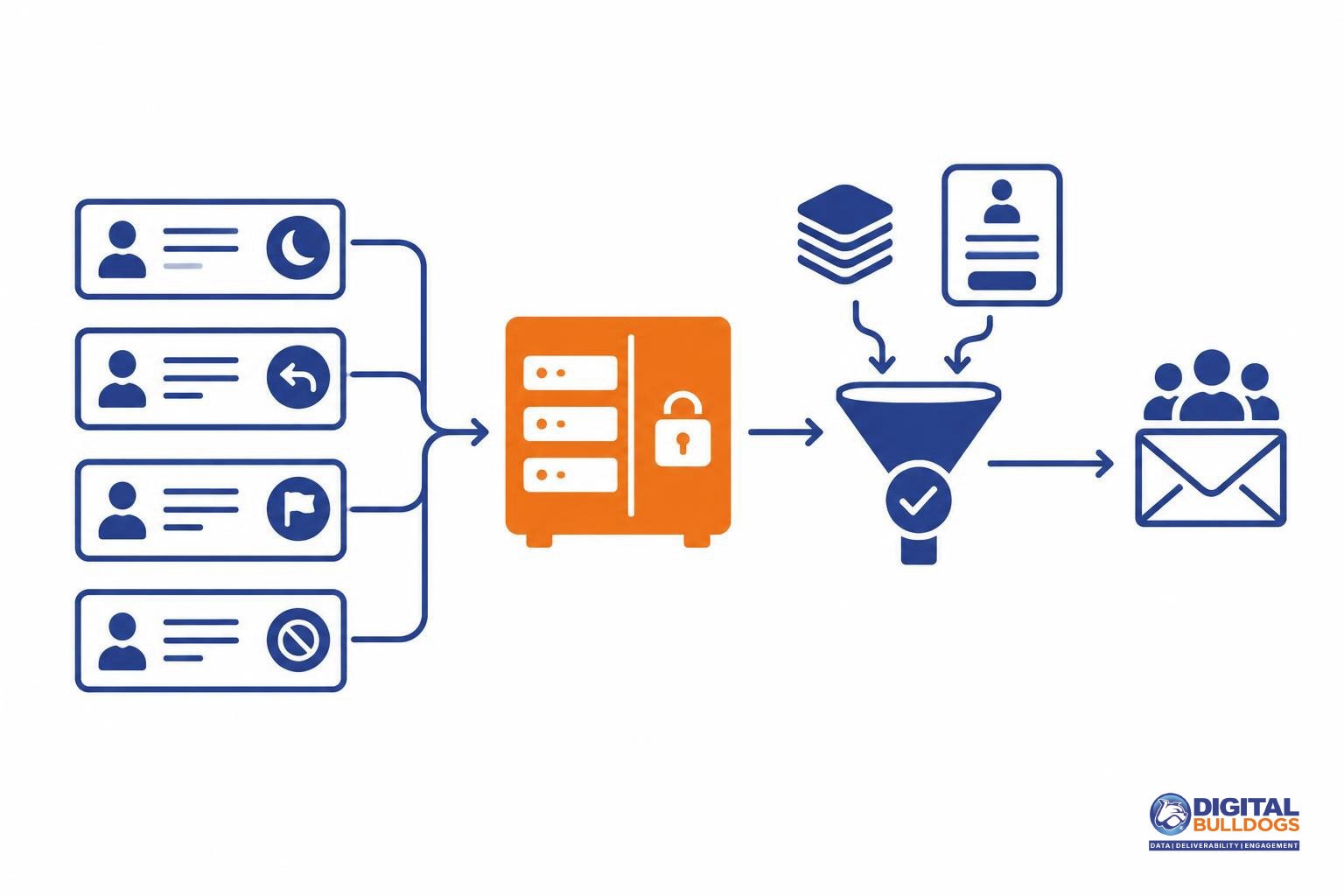
The table below is an illustration to adapt. It is not a standard from any mailbox provider. No provider sets fixed day counts for sunsetting, so each window is measured in your own sending cadence and buying cycle rather than in days.
| Stage | Trigger signal | Action and owner | Exit condition |
|---|---|---|---|
| Engaged | Clicked or bought within one typical purchase cycle | Normal sends. Owner: email manager | No engagement for one full cycle moves to Cooling |
| Cooling | No engagement for one cycle | Lower frequency, best-performing content only. Owner: email manager | Any click returns to Engaged. Another silent cycle moves to At risk |
| At risk | No engagement for about two cycles | Short re-engagement series ending in a reconfirmation request. Owner: email manager | A confirm click returns to Engaged. No confirmation moves to Sunset |
| Sunset | No confirmation after the series | Suppressed from regular mail. Owner: deliverability lead | Only a new, confirmed opt-in |
| Bounce or complaint path | Hard bounce, repeated soft bounces, complaint or unsubscribe | Suppress immediately, outside the stages above. Owner: sending platform automation | None. The address is never automatically reactivated |
The At risk stage reflects Yahoo’s advice to periodically send reconfirmation emails to inactive subscribers. The bounce and complaint path follows Apple’s guidance to remove addresses that bounce consistently and not reactivate anyone already on a suppression list.
Adjusting the windows
Set the first window from the subscriber’s typical purchase interval. A weekly-deal list moves people through the stages faster than a list selling once-a-year products. If your spam-rate or bounce signals get worse, tighten every window before you add volume.
Writing it as a one-page document
- Definitions: what counts as engagement, and which data source you use to measure it.
- The table: each stage with its trigger, action, owner and exit condition.
- Who can override it: one named person, with every exception logged.
- Review date: when the windows will be checked against current results.
Sharing a single page like this means agencies and clients apply the same rules to every list they touch. If you’d like a second opinion on your windows, you can book a free consult.
How to tell whether your sunset policy is working
The short answer: watch the numbers mailbox providers watch, and judge the results over several sending cycles. One campaign is not enough.
Start with spam rate. Google asks senders to keep the spam rate shown in Postmaster Tools below 0.10% and to avoid ever reaching 0.30%. Yahoo’s sender best practices also ask senders to keep their spam rate below 0.3%. Removing people who no longer want your mail should help keep complaints down, but it cannot guarantee a specific rate.
Be patient with the data. Google notes that a high spam rate leads to more of your mail being classified as spam, and that improvements take time to show up. If your figures improve but placement doesn’t change right away, that does not mean the policy failed. Give it a few weeks of steady sending at a consistent volume before you draw conclusions.
What to compare before and after each sunset run
- Hard bounces: These should fall as invalid and abandoned addresses leave your active list.
- Soft bounces: Watch for repeat offenders that keep deferring. They may belong in your suppression rule.
- Complaint trends: Track spam rate by provider, not just as one blended number.
- Inbox placement by provider: Gmail, Yahoo, Outlook and iCloud can each respond differently. One overall delivery rate can hide a problem at a single provider.
- Domain reputation and server responses: Check Postmaster Tools and your sending logs for rejections or deferrals.
If you don’t have a clear view of per-provider results, inbox placement monitoring can show where your mail lands before and after each run.
If your reputation is already damaged, a sunset policy is only one part of the recovery. It may need to sit alongside authentication fixes, volume adjustments and other domain reputation repair work. If you’d like a second opinion on where you stand, you can book a free consult with Digital Bulldogs.
Sunset rules for affiliates, agencies and audience data programs
If you send for more than one brand or client, write one sunset rule for all of them and apply it to every file. When clients share sending infrastructure, one client’s neglected inactive segment can drag down reputation for everyone else on those domains and IPs. A shared, written rule makes the standard clear before a new client’s list ever goes out.
This matters because old, unengaged addresses carry real risk. M3AAWG explains that recycled spam traps are formerly active addresses retired after a period of inactivity, and that hitting them usually points to an old list or weak list management. One client’s stale file can create that exposure for the whole program.
Don’t append your way back to retired records
Data append and identity resolution are useful, but they are not a way around your own policy. A suppressed or sunset record should not get new fields attached and then be mailed as if it were a fresh contact. Apple’s guidance is direct: do not reactivate addresses that are already on an unsubscribe or suppression list. A record does not become a new opt-in because you know more about it.
Point these tools at the people who are still engaging:
- Enrich active subscribers so segments, offers and send timing fit them better.
- Use identity resolution to tidy up duplicates and connect records across your own systems, without reviving retired addresses.
- Carry suppression flags through every sync so custom audiences and appended files respect the same exclusions as your email platform.
Other channels are a separate decision
A subscriber who has gone quiet on email may still be worth reaching through another channel they agreed to. Treat that as its own decision, with its own consent, and keep it apart from email. Contact through another channel is not a reason to add the address back to your mailing list.
If you want a second opinion on how your sunset and suppression rules carry across clients and data sources, you can book a free consult with Digital Bulldogs. You’ll also find more deliverability and audience data guides on our blog.
Frequently asked questions
How long should someone be inactive before I sunset them?
No single number fits every list, but there is a limit worth respecting. Mailbox providers can retire long-abandoned addresses and turn them into recycled spam traps. M3AAWG suggests 12 months as a minimum inactivity period before an address is retired. Your sunset window should therefore end well before a full year of silence. Many direct-response senders choose a shorter window based on how often they mail and how quickly buyers usually go quiet.
Measure inactivity by the signals that matter to your business, such as clicks, replies, purchases or site visits. Opens alone are not a reliable signal. Before anyone leaves your regular mailing schedule, send one last reconfirmation message that gives them a clear chance to stay.
Should I delete inactive subscribers or suppress them?
Suppress them. Apple’s postmaster guidance asks senders to periodically remove or suppress inactive or disengaged subscribers. It also says not to reactivate addresses that are already on an unsubscribe or suppression list. Keeping a suppression list is what lets you follow that second rule. If you delete a record, the same address can return through an old import, a co-registration feed or a partner file, and you could mail it again without knowing.
Store the address, the date it was suppressed and the reason (inactivity, bounce, complaint or unsubscribe) in one place. Every sending platform and list upload should check that list first. That way, a sunset decision made in one tool applies to all of them.
Is a sunset policy the same as processing unsubscribes?
No. The two overlap, but they do different jobs. Processing unsubscribes is a requirement. Yahoo asks bulk senders to offer one-click unsubscribe and honor unsubscribes within 2 days. A sunset policy is a choice you make about people who never asked to leave but have stopped engaging. The same Yahoo guidance tells senders to monitor inactive recipients and periodically send them reconfirmation emails, which is the core of a sunset program.
Can I email sunset subscribers again later?
Only in limited cases, and never someone who unsubscribed. As noted above, Apple’s guidance says addresses on an unsubscribe or suppression list should not be reactivated. A sunset subscriber may come back on their own, for example by opting in again through a signup form or making a purchase. That new action is a reasonable basis for mailing them again.
Avoid pulling an old segment back into a campaign just because volume is down. The longer an address goes unmailed, the more likely it has been retired and recycled as a spam trap. M3AAWG connects recycled trap hits to old lists, weak list management and missing bounce processing.
Will a sunset policy improve my inbox placement?
It can help, but no policy guarantees inbox placement. Sunsetting removes the people least likely to engage and most likely to mark you as spam, which supports the signals Gmail watches. Google asks senders to keep their Postmaster Tools spam rate below 0.10% and avoid ever reaching 0.30%. It also notes that a high spam rate leads to more of your mail being classified as spam.
Expect gradual change rather than an overnight jump. Google says improvements take time to show, so track spam rate, domain reputation and server responses for several weeks after you start suppressing. If your numbers don’t improve, Digital Bulldogs can review your list rules and reputation data with you. You can book a free consult whenever it suits you.
Sources
- Sender Best Practices · Yahoo
- Email sender guidelines · Google (Gmail Help)
- Postmaster information for iCloud Mail · Apple
- M3AAWG Help! I Hit a Spam Trap! · M3AAWG (Messaging, Malware and Mobile Anti-Abuse Working Group)