
First-Party vs Third-Party Data for Email: Uses and Limits
The difference in first-party vs third-party data for email is where it comes from: first-party data comes from your direct interactions with customers, while third-party data comes from outside sources, as Salesforce’s definitions explain. Use first-party behavior to guide relevant messages and third-party attributes to add audience context—not as proof of permission to send, especially since Gmail recommends emailing people who opted in.
This article explains how to combine behavior with preferences people intentionally share, enrich audiences without losing track of their source, and separate US commercial-email requirements from privacy checks and platform rules. It also covers recipient expectations, why an email segment may not qualify for Customer Match, and how to preserve subscription history as you build usable segments.
First-party vs third-party data: the short answer
First-party data comes from direct interactions with your business; third-party data comes from outside sources. Zero-party data describes preferences and intentions people deliberately share with you. These distinctions follow Salesforce’s explanation of zero-, first- and third-party data.
For email, the practical difference is what the data helps you understand—not whether you automatically have permission to contact someone.
| Data type | Origin | Illustrative email use | Permission question still to resolve |
|---|---|---|---|
| First-party | Direct interactions, such as purchases or website activity | Choose relevant content based on purchase history | Does the subscription record cover this message? |
| Third-party | An outside data provider or other external source | Add an attribute to help segment an existing audience | Are you allowed to use that attribute, and separately, contact the person? |
| Zero-party | Preferences or intentions someone intentionally shares | Send content about topics selected in a preference center | Did they request email, or only answer a question? |
Our recommendation: start with your direct audience relationship, ask for preferences when useful, and consider outside attributes only for a defined targeting need.
These labels describe data origin or collection context. They do not guarantee accuracy, lawful use, recipient interest or inbox placement. Keep the checks separate: the FTC’s CAN-SPAM guide explains US commercial-email obligations; Gmail’s sender guidelines address opt-in recommendations, authentication and reputation; and Google’s Customer Match policy limits which customer information can be uploaded. The sections below explain how to apply those checks without confusing enrichment with permission.
Use first-party behavior and zero-party preferences together
Use behavior to understand what someone has done and stated preferences to understand what they have asked to receive. Those signals can work together, but they are not interchangeable. Salesforce distinguishes first-party behavioral and transactional data from zero-party information that a person intentionally shares, such as their interests or communication preferences.
- Hypothetical example: purchase history. A customer buys gardening tools. That purchase could inform a gardening-product segment, but it does not prove they want a weekly gardening newsletter.
- Hypothetical example: website behavior. A visitor reads several lawn-care pages. You might record an inferred interest in lawn care—not an explicitly selected preference.
- Hypothetical example: stated preference. A subscriber selects “vegetable gardening” in a preference center. That answer can guide newsletter topic selection.
Store stated preferences separately from inferred interests. For each, retain the source and collection date, and label whether the signal was observed or explicitly provided. This gives your team a practical way to explain why someone entered a segment and to update it when their preferences change.
Keep subscription status in a separate operational field, alongside list membership and opt-out records. A purchase, page visit or survey response should not automatically enroll someone in every marketing list. Google’s sender guidelines recommend sending subscription messages only to people who want them. Separately, CAN-SPAM requires commercial emails to provide an opt-out method and requires senders to honor opt-out requests. A relevant interest signal is not a substitute for checking whether that person should receive the message.

Use third-party attributes to enrich an audience, not manufacture permission
Outside data can add context to an audience you already know. It should not be treated as permission to email someone. Review attribute enrichment and acquiring additional email addresses as separate projects, with separate questions about collection, recipient expectations and permitted uses.
For example, you might use audience data append for existing customer records to add relevant attributes to customers already in your database. That differs from obtaining new addresses to contact. Under Salesforce’s explanation of data types, externally obtained third-party data is distinct from data collected through your own customer interactions or preferences people intentionally share.
For a business audience, an illustrative use of B2B and first-party data append is grouping existing contacts by company industry to make content more relevant. The added industry field does not establish that those contacts subscribed.
Advertising platforms also draw boundaries. Google permits third-party data to segment first-party audiences but prohibits using it to create advertising audiences within the products covered by that policy. This is a Google-specific advertising rule—not a general rule granting permission to send email.
Before an append project, ask the provider:
- Original sources: Where did each attribute come from?
- Freshness: When was it collected or last verified?
- Evidence: Is the field observed or inferred?
- Matching: How are records linked, and how are uncertain matches handled?
- Permitted uses: What restrictions apply to email, advertising or other uses?
Keep the origin of appended fields in your records. Moving outside data into your CRM does not make it directly collected data or change the contact’s subscription history.
Separate US commercial-email law from privacy and platform checks
CAN-SPAM sets a federal baseline for commercial email. It does not give blanket permission to use any email address or audience attribute for any purpose.
The FTC’s CAN-SPAM requirements for commercial email apply to business-to-business messages too. A work address is not an exemption. For commercial email, the core requirements include:
- Accurate sender information: Headers must accurately identify the person or business that initiated the message.
- Nondeceptive subjects: The subject line must accurately reflect the message’s content.
- Advertising identification: Clearly and conspicuously identify the message as an advertisement.
- A postal address: Include a valid physical postal address.
- A clear opt-out: Explain how recipients can stop future marketing messages, provide a working mechanism and honor their requests.
- Vendor oversight: Hiring another company to send email does not remove your responsibility for compliance.
The FTC guide does not establish a universal prior-opt-in requirement for all commercial email. That distinction is not a recommendation to send unsolicited campaigns—or evidence that an acquired list is appropriate for your intended use.
Platform rules require a separate check. For example, Google’s Customer Match policy limits uploads to customer information collected in a first-party context, requires relevant privacy disclosures and requires consent where applicable. An address’s presence in an email database does not, by itself, establish eligibility for that advertising use.
Before using third-party data for outreach, enrichment or audience uploads, seek legal review specific to the jurisdictions and intended uses involved. Treat email-law compliance, privacy obligations and platform eligibility as separate checks—not interchangeable approvals.
Check recipient expectations before sending to Gmail
Before sending an enriched segment to Gmail recipients, check whether those people asked to hear from you—not just whether their addresses match your audience criteria. Google’s sender guidelines recommend opt-in recipients and explain how spam complaints affect domain reputation. This is Gmail guidance, not a nationwide legal consent rule.
Before uploading the segment to your email platform, review these checks separately:
- Subscription evidence: Keep the original signup source, the subscription language shown and the preferences the recipient selected. An appended attribute can help you choose relevant content; it does not show that someone subscribed.
- Suppressions: Check the enriched segment against unsubscribe and other do-not-send records. Keep those exclusions attached as data moves between systems so an enrichment or import does not accidentally restore a suppressed address.
- Sender identity: Confirm that your sending domain is authenticated appropriately. For context on this technical check, see email authentication for affiliates and lead generators. Authentication supports a verifiable sender identity; it does not establish recipient interest or permission.
- Sending infrastructure: Review the reputation of the IP address used to send. On shared infrastructure, other senders’ activity can affect that reputation. Our guide to choosing a dedicated or shared sending IP can help frame that decision, but neither option replaces a wanted message.
Treat recipient expectations, sender identity and infrastructure as separate checks. Passing the technical checks is not a reason to send when the subscription history is missing or contradicts the campaign.
Do not assume an email segment is eligible for Customer Match
A segment you use for email is not automatically eligible for Google Customer Match. Google’s Customer Match policy restricts uploads to information collected in a first-party context, such as information customers share directly through your website, app, store or other direct interactions. It also requires appropriate privacy disclosures and consent where required.
The distinction is between using outside attributes to select eligible contacts and uploading identifiers obtained from an outside source. Google’s data-use policy for personalized ads on Search, Gmail and YouTube allows third-party data to segment first-party audiences, but prohibits creating advertising audiences from third-party data within those products. Enriching a record does not turn a purchased email address into an eligible first-party identifier.
For a hypothetical example, suppose customers gave you their email addresses directly, and you later appended an industry field from an outside provider. That field may help you select an existing customer segment. However, the contact identifiers you upload must still meet Customer Match’s collection, disclosure, consent and other applicable requirements. The appended field does not establish eligibility on its own.
This example concerns Google Customer Match only; it is not a rule for every advertising platform. Before activating a segment, check the destination’s current policy against how each uploaded identifier was collected and what customers were told. Treat a CRM export as a file to review—not proof that the audience is eligible.
Build a usable segment without losing its source or subscription history
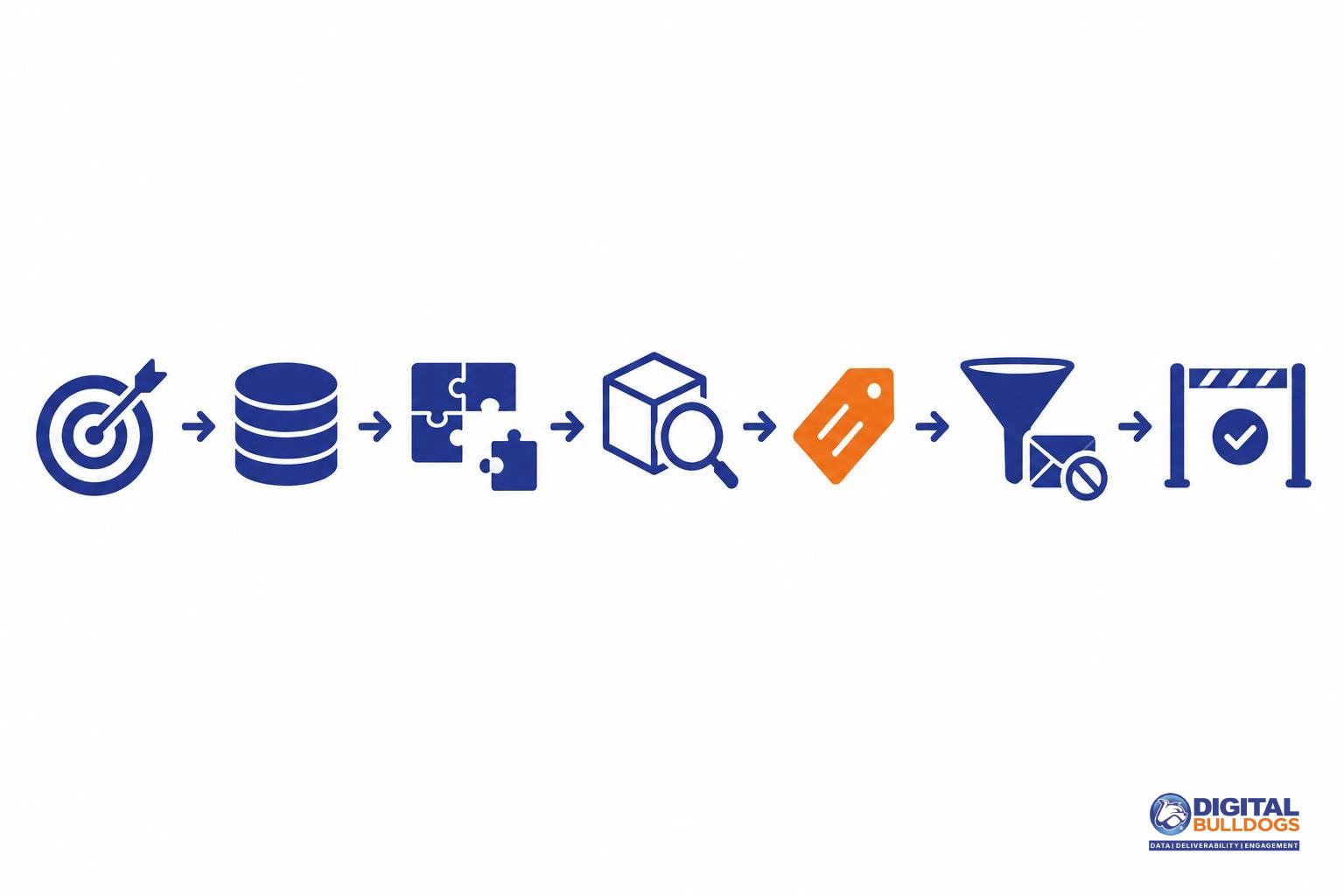
Build the segment around a clear purpose, and keep its data sources and subscription history attached. Use this workflow before activating it:
- Define the campaign purpose. Write down who the message serves, why it is relevant and where you intend to use the audience.
- Inventory direct data. Separate observed behavior and transactions from preferences people intentionally shared—the distinction between first-party and zero-party data.
- Identify genuinely missing attributes. Specify what you need to make the segment useful. Avoid appending fields simply because they are available.
- Review outside sources. Check how the provider collected the data, what uses it permits and whether those uses fit your campaign.
- Preserve field provenance. Record each field’s source, collection or update date, permitted uses and any subscription evidence. Keep appended attributes distinguishable from directly collected identifiers.
- Check subscription status and suppressions. Exclude unsubscribed contacts from marketing sends. CAN-SPAM requires honoring opt-outs; separately, Gmail recommends sending to people who opted in.
- Review destination rules. Google permits third-party attributes to segment first-party audiences in its covered advertising products, but that does not make outside identifiers eligible for upload. Check Customer Match’s direct-collection, disclosure and applicable consent requirements separately.
Before broader use, review a small segment and document its inclusion logic, source records, suppressions and destination eligibility. Resolve gaps before activation.
Explore email deliverability and data project examples for implementation context. If authentication, list hygiene or inbox placement checks need attention, consider done-for-you email delivery support.
If you need help separating enrichment needs from email delivery issues, Book a free consult.
Keep researching on Digital Bulldogs
Frequently asked questions
What is the difference between first-party and third-party data for email marketing?
First-party data comes from your audience’s direct interactions with your business, such as purchases or website activity. Third-party data comes from outside sources rather than those direct interactions, according to Salesforce’s explanation of data types. For email planning, keep that distinction visible: a customer’s purchase history and an externally supplied audience attribute have different origins, even when they appear in the same record.
How is zero-party data different from observed first-party behavior?
Zero-party data is information someone intentionally shares, such as product interests or communication preferences. Observed first-party behavior records what someone does, such as browsing a category or making a purchase. Using Salesforce’s terminology above, the distinction is stated preference versus observed activity. Use them together, but avoid treating an inferred interest as though the person explicitly selected it.
Does adding third-party attributes give me permission to email someone?
No. Enriching a record is not the same as someone asking to receive your marketing emails. Keep the enrichment source separate from the person’s subscription history. For Gmail delivery, Google’s sender guidelines recommend sending only to people who want your messages and warn that spam complaints can harm domain reputation. Treat recipient expectations as a separate check from audience fit.
Does CAN-SPAM apply to B2B marketing email?
Yes. The FTC’s CAN-SPAM compliance guide explicitly says the law has no business-to-business exception. Commercial messages must meet requirements covering accurate sender information and subject lines, advertising identification, a valid postal address, and a working opt-out method. Hiring another company to send your campaigns does not remove your responsibility for compliance.
Can I upload purchased email addresses to Google Customer Match?
No—not simply because you purchased them. Google’s Customer Match policy allows uploads only of customer information collected in a first-party context, where customers shared it directly with your business. The policy also requires privacy disclosures and consent where required. Keep purchased identifiers separate from directly collected identifiers; adding enrichment attributes does not establish that an address is eligible for upload.
Sources
- What is zero-party data? · Salesforce
- CAN-SPAM Act: A Compliance Guide for Business · Federal Trade Commission
- Email sender guidelines · Google
- Data use in personalized ads on Google Search, Gmail, and YouTube · Google
- Customer Match policy · Google