

Bot Clicks in Email Campaigns: Spot Scanner Activity
To spot bot clicks in email campaigns before building engagement segments, look for a cluster of clues—such as rapid visits to every link—rather than treating any recorded click as proof of human interest. Check your email platform’s bot classifications alongside the event pattern, and keep uncertain clicks out of engagement segments unless other activity supports genuine interest: M3AAWG documents scanner-driven link visits, imperfect detection and the risks of using those events in engagement decisions.
This article explains which patterns warrant a closer look, what platform bot filters do and do not establish, and how to build segments around qualified activity. It also walks through checking sunset policies, resend rules and test winners, then tracing a click through your workflow before using it in audience or revenue claims.
A recorded click is not proof of human interest
Use bot-filtered click events alongside corroborating actions before treating a tracked click as human interest. A reply, completed form or purchase can give you more context than a click alone. This is a framework for making engagement decisions—not a definitive bot detector.
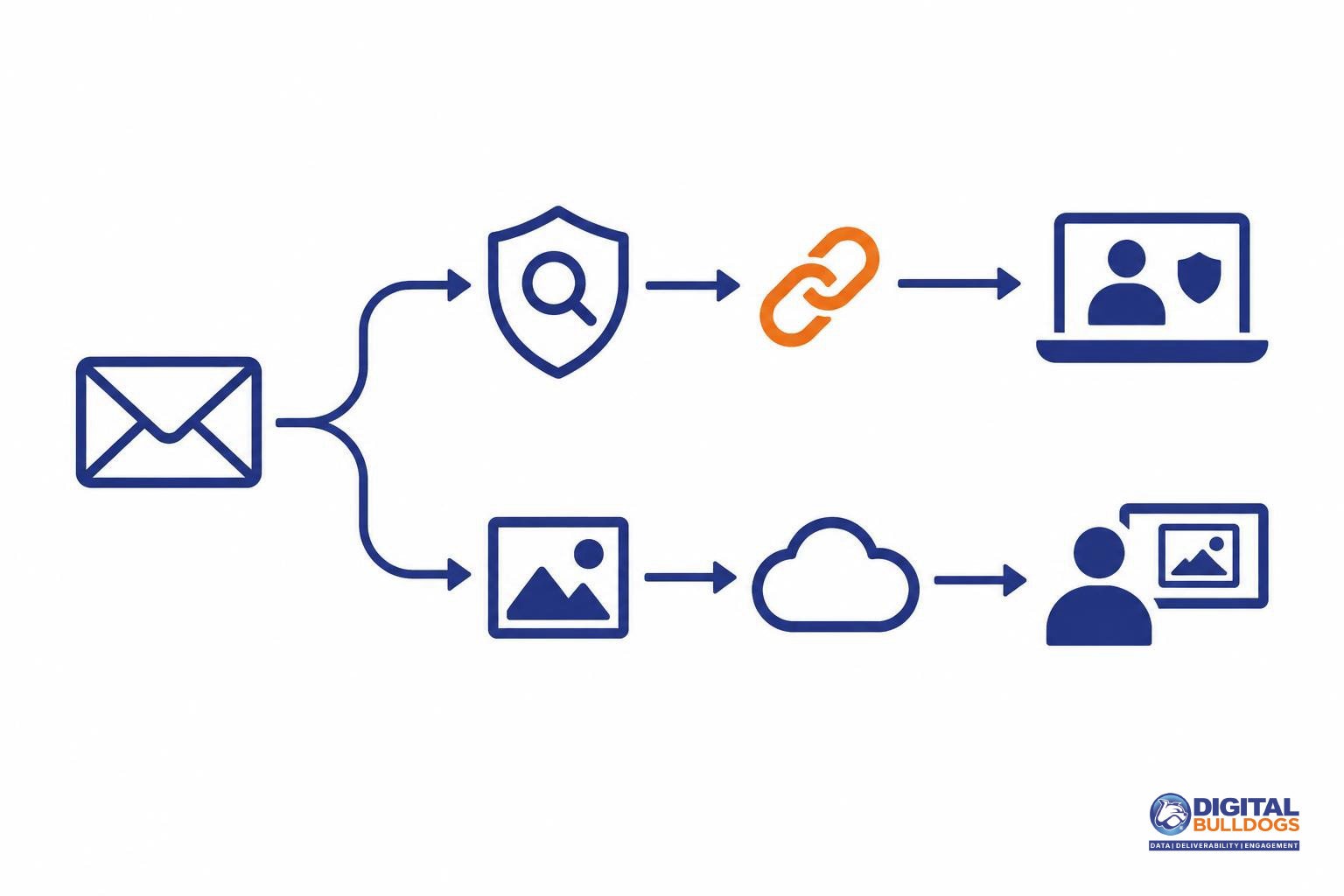
Security checks and privacy features affect different signals. Microsoft documents Safe Links scanning during mail flow and verification at click time. A URL check is not, by itself, evidence that a recipient chose to engage. Nor does the existence of that check establish that it appeared as a click in your email platform.
Image loading is a separate issue. Apple explains that Protect Mail Activity downloads remote content in the background regardless of engagement. That affects how you interpret image-based open tracking; it is not the same mechanism as an automated visit to a tracked campaign link.
Likewise, Google documents Gmail serving email images through secure proxy servers when users open messages. Image proxying is not proof that Gmail clicks every link in your campaign.
Keep these measurement questions separate from delivery work. Cleaning up click reporting does not establish that authentication, sender reputation or inbox placement is healthy. If those need attention too, Digital Bulldogs’ email delivery and inbox placement support covers that broader work.
Look for clusters of scanner clues, not a magic cutoff
Investigate patterns across events—not a single fast click. M3AAWG describes antivirus and security checks following links, including every link in quick succession, and cautions that metrics adjusted for nonhuman activity still contain error. A rapid burst deserves a closer look, but it is not grounds to disqualify a subscriber.
Review Suspicious Clicks Without Assuming Automation
Timing
Compare delivery and click timestamps. Do not impose an unsupported universal cutoff.
Link coverage
Look for rapid activity across many destinations, including every link.
Context
Review available network details and unsubscribe-link activity without treating either as proof.
Uncertainty
Keep unresolved events distinct from confirmed interest.
For a campaign with suspicious activity, compare:
- Delivery and click timestamps: Look for tightly grouped visits after delivery, especially across several destinations. Treat timing as a clue, not a universal cutoff.
- Destination URLs: Check whether the activity touches every tracked link, including an unsubscribe link, rather than following a focused path.
- Available network and user-agent details: Note hosting or data-center attribution and repeated technical signatures, but weigh them alongside the event sequence.
- Recorded opens: Flag clicks that precede an open for review without treating that ordering as proof of automation.
This combined approach is consistent with HubSpot’s use of identifying information and behavioral patterns to filter suspected bot activity. None of these observations alone should create a blanket exclusion.
Keep an unsubscribe-link visit separate from an actual unsubscribe status. Check whether the event is merely a tracked visit or a recorded opt-out. Never reverse a recorded opt-out because surrounding activity looks automated.
Record your conclusion against the event—for example, suspected automated or unresolved—rather than permanently labeling the recipient a bot. That keeps an uncertain click from becoming a lasting judgment about the person.
What ESP bot filters remove—and what they do not establish
Bot filtering can make campaign reports more useful, but a cleaner report is not proof that suspected activity has been removed everywhere you use engagement data.
Trace Filtering Beyond the Campaign Report
Check filter status
Review whether filtering was enabled for the marketing email.
Compare report views
Inspect performance with and without suspected bot activity.
Trace downstream use
As a recommended validation step, compare contact activity, segment membership and automation history.
Record the definition
Document which filtered view and downstream rules your engagement decision uses.
Mailchimp says its default-enabled filtering hides most identified bot activity from reports without deleting that activity from your account. Its documentation includes link-preview generators among automated sources, alongside security tools. That matters when interpreting a recorded visit: automation is not limited to security scanning.
HubSpot documents filtering suspected bot activity using identifying information and behavioral patterns, including IP information and interaction speed. It also provides filtered and unfiltered marketing email performance views. Those views offer different treatments of recorded activity—not separate evidence of subscriber intent.
Neither reporting description establishes identical behavior across segments, workflow enrollment, contact histories, exports, APIs or connected audience tools. Before relying on a reporting toggle, trace a suspected event through your own setup:
- Compare its treatment in the campaign report with the contact’s activity history.
- Check whether the contact entered or remained in a click-based segment.
- Review automation history for any enrollment or action tied to that event.
- If you sync engagement data elsewhere, check what reached the destination.
Document the filtering state alongside each report you share or compare. Switching between filtered and unfiltered views changes which recorded events the report includes; it does not, by itself, show a change in subscriber behavior.
Build engagement segments around qualified activity
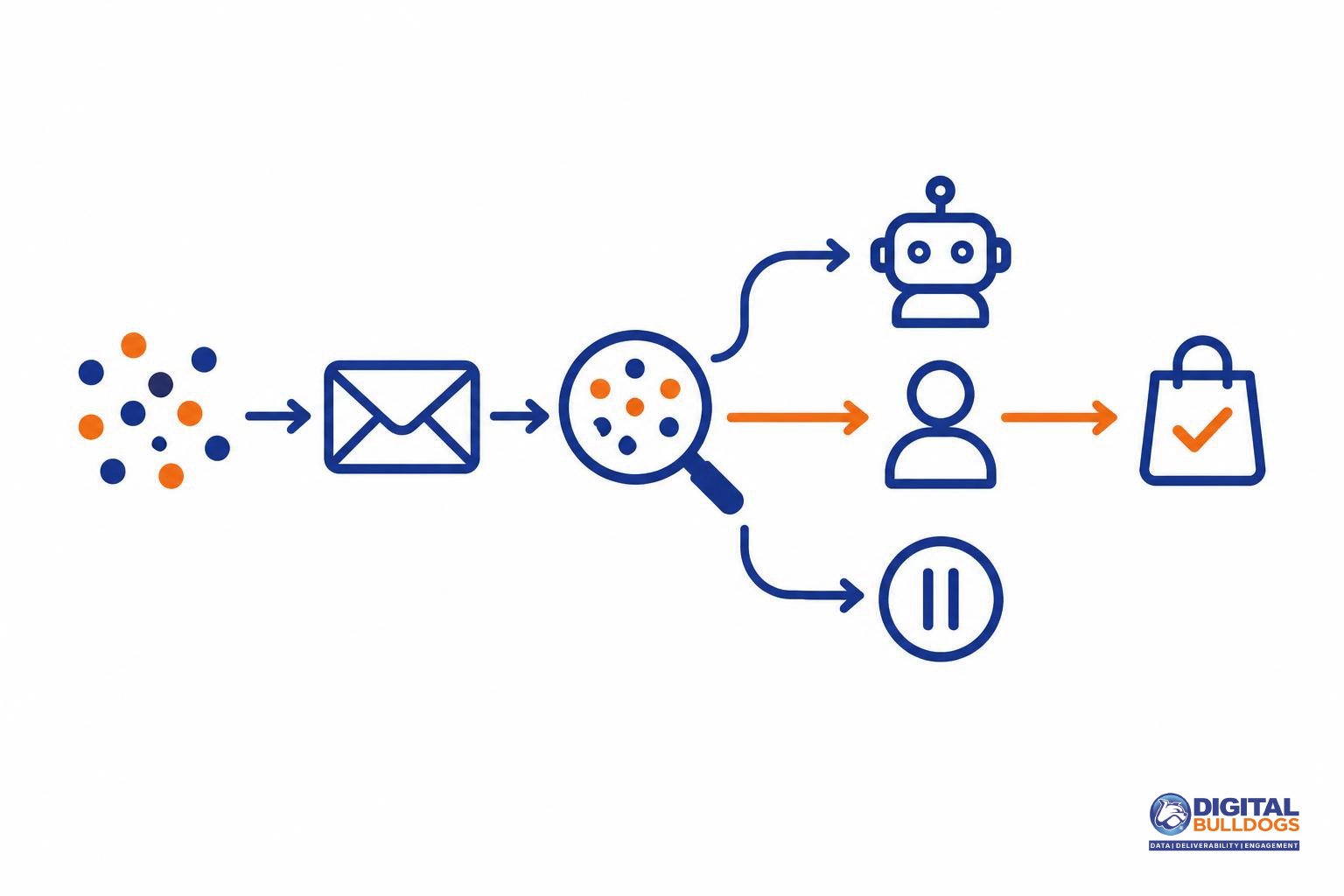
Apply your existing permission and suppression rules before evaluating engagement. Then decide whether each event is usable evidence of interest—not simply whether a click was recorded. M3AAWG describes how nonhuman interactions can complicate engagement-based decisions, including sunsetting and automated workflows.
- Separate automated events from unresolved activity. Wherever your platform supports it, exclude events explicitly identified as automated from positive engagement criteria. Keep unresolved activity available for review rather than treating it as confirmed interest or discarding it.
- Maintain separate activity fields. Keep raw click timestamps separate from a qualified-engagement field. Update the latter only when an event meets your documented criteria, so a suspected scanner visit does not automatically renew a subscriber’s engaged status.
- Look for meaningful corroboration. Consider a verified purchase or a reviewed, relevant reply. Another automatic page request should not substitute for the original click as evidence of human interest.
- Check what your platform actually filters. Mailchimp retains underlying activity while filtering reporting, and HubSpot provides filtered and unfiltered performance views. Check whether the distinction you see in reports also governs your segment criteria; do not assume it does.
Keep permission to contact separate from behavioral interest. Neither a click nor an inferred interest should override an opt-out. Qualification should refine your understanding of permitted contacts, not restore suppressed subscribers.
Once the underlying events are qualified, use the guide to engagement-based segmentation and who to send first for send order and broader segment design.
Recheck sunset policies, resend rules and test winners
Uncertain clicks should prompt a review—not automatically keep a contact active, trigger another message or decide a test. M3AAWG identifies false engagement as a sunsetting problem and warns that automated activity can trigger follow-up messages.
- Sunset policies: Do not let suspected automated activity alone reset the qualified-engagement clock. Look for activity you can corroborate, such as a reply or a completed form tied to the contact. Equally, do not suppress a subscriber solely because a scanner clue appeared; review the broader engagement record and your existing sunset criteria.
- Resend rules: Do not make an extra send depend solely on a missing open or an unqualified click. Apple’s Mail Privacy Protection can download remote content regardless of engagement, so an open is not a dependable substitute for qualified activity either. Check corroborated activity, unsubscribe status, suppression rules and existing contact-frequency restrictions before approving a resend.
- A/B decisions: Apply the same bot-filtering definition to every variant, then inspect downstream outcomes before declaring a click-based winner. A lead in recorded clicks should remain provisional when those clicks lack supporting activity. Use the guide to safe email A/B test splits and sample sizes for split design.
In client reporting, keep raw clicks, filtered clicks and corroborated outcomes separate. Mailchimp’s bot filters exclude suspected activity from reports while retaining underlying activity; that distinction matters when reconciling exports and dashboards. Label each view clearly rather than presenting every recorded click as evidence of subscriber interest.
Keep uncertain clicks out of audience and revenue claims
Do not move a record into a high-intent audience export solely because of an unresolved click. M3AAWG documents how nonhuman interactions can distort engagement-based decisions. Treat that click as an event to qualify, not confirmed interest to sell or activate.
When joining engagement to customer records or appending an interest label, preserve the event source and qualification status. Keep “matched to this customer” separate from “this customer showed intent.” A successful identity match does not resolve whether a person clicked the link.
Prepare custom audience seeds from qualified records with the applicable permissions. Use the guide to building custom audiences from an email list with hashed matching for the matching process itself—not as a substitute for qualifying the engagement behind a segment.
For sponsor and affiliate reporting, label engagement as raw or bot-filtered and keep it separate from verified conversion records. Mailchimp retains underlying activity while filtering reporting, and HubSpot offers filtered and unfiltered marketing email performance views. Record which view supplied the report; a filtered click count should not be presented as verified purchases or confirmed buyer intent.
Explore email list monetization options that protect your audience when choosing revenue approaches. If applying qualification rules to exports needs hands-on support, Digital Bulldogs can help with custom audience preparation and segmentation. Neither monetization goals nor segment preparation justify reclassifying uncertain clicks as confirmed interest.
Your next step: trace an event through the full workflow
Start with a suspicious campaign event and follow it beyond the click report. The practical question is not just whether it looks automated, but whether it changed how you treated that contact.
- Capture the event: Record its timestamp, destination URL and the activity details available in your ESP.
- Check the report: Compare filtered and unfiltered views where available. HubSpot documents both views and describes filtering based on identifying information and behavioral patterns.
- Follow the consequences: Inspect the segment rule, any automation enrollment or branch, and any audience export that could have used the event. Do not assume a reporting filter also changed those downstream decisions. Mailchimp retains underlying activity while filtering reporting, so verify the behavior of each workflow separately.
- Document the decision: Write down what the evidence establishes, what remains uncertain and which rules need adjustment before the next send. Keep an uncertain click from serving as the sole reason to retain a contact, trigger a resend or qualify an audience export.
Treat a lower filtered engagement total as a measurement finding—not proof of an authentication failure or declining inbox placement. If authentication also needs investigation, use an email deliverability audit of your authentication setup as a separate diagnostic step, not as a bot-click detector.
For help connecting audience quality with email delivery decisions, Digital Bulldogs offers a free consultation. Bring the campaign evidence and your current segment rules so the discussion can focus on what to investigate and adjust. No outcome is guaranteed.
Frequently asked questions
Does Apple Mail Privacy Protection click the links in my emails?
Apple’s documentation describes background downloads of remote content regardless of engagement, not automated visits to your campaign’s tracked links. Keep those signals separate: an image-loading event is not the same as a link visit. When investigating suspicious clicks, examine the tracked-link events rather than attributing them to Mail Privacy Protection.
Does a click before a recorded open prove that a scanner caused it?
No. Treat that sequence as a reason to investigate, not a definitive classification. HubSpot describes bot detection using identifying information and behavioral patterns, rather than event order alone. Review the surrounding activity, including which links were visited and how closely the visits occurred, before deciding whether to count that click as meaningful engagement.
Will enabling ESP bot filtering also clean my segments and automations?
Do not assume it will. Mailchimp describes reporting filters while retaining the underlying activity; that does not establish how every segment or automation handles those events. Check your platform’s rules separately, then trace a suspected click through contact history, segment membership and workflow enrollment before relying on the reporting toggle to protect downstream decisions.
Should suspected scanner activity reset my subscriber sunset clock?
As a working policy, avoid letting an uncertain click alone restart the clock. M3AAWG identifies nonhuman interactions as a complication for sunsetting and engagement-based decisions. Define which activity qualifies someone to remain active, and put ambiguous events into a review category rather than automatically treating them as renewed subscriber interest.
Can I use click-based audiences or A/B results after filtering?
Yes, but use them as decision inputs rather than proof of human interest. For audience inclusion, require activity that meets your documented engagement criteria. For A/B decisions, compare filtered results with downstream actions relevant to the campaign. If the apparent winner depends on uncertain clicks, hold off on expanding that audience or declaring a winning version.
Sources
- Exploring the Impact of Nonhuman Interactions on Email Send Metrics · M3AAWG
- Safe Links in Microsoft Defender for Office 365 · Microsoft Learn
- Mail Privacy Protection & Privacy · Apple · 2025-12-12
- Set up an image URL proxy allowlist · Google Workspace Help
- About Bot Activity and Bot Filtering · Mailchimp Help Center
- Understand bot filtering in marketing email analytics · HubSpot Knowledge Base · 2026-10-19