
Not Like it Used to Be: Why Audience Reach Changed
If audience reach feels “Not Like it Used to Be,” it’s because identifying someone, being allowed to advertise to them, and reaching their inbox are separate hurdles—not one reliable pipeline. Before buying more data or changing platforms, check your records’ origin and accuracy, the destination platform’s audience rules, and email delivery separately.
There isn’t one universal “cookieless” explanation: Chrome maintained its existing approach to third-party cookie choice, while WebKit describes blocking infrastructure used for email-based cross-site identity tracking. An email identifier is not a browser-proof workaround, and a matched record still has to satisfy Customer Match’s collection, consent, and audience-use requirements.
This article explains those distinctions, what to audit before appending more data, and why email needs its own checks against Gmail’s authentication and sending requirements. The goal is to choose your next step from the evidence—not assume that more records or a different platform will solve the problem.
What changed—and what to check first
A customer record alone does not establish that a browser connection will work, an advertising platform will accept the data, or a mailbox provider will deliver your message as intended. Before changing your audience strategy, identify which connection is failing.
Use three questions as a practical diagnostic for this article—not as a formal industry standard:
- Identification: Is website recognition missing? Having an email address does not make every browser-based connection available. WebKit describes blocking infrastructure used for invisible email-based cross-site identification, while distinguishing that tracking from first-party personalization. Check how recognition is supposed to happen, not just whether the record contains an identifier.
- Activation eligibility: Is an audience upload being rejected or its use restricted? A matched record is not automatically eligible for advertising. Google’s Customer Match policy requires data collected in a first-party context, appropriate disclosures, consent where required, and approved upload methods; it also sets restrictions on audience use.
- Email delivery: Are messages being rejected, marked as spam, or otherwise not arriving as intended? Treat this separately from audience matching. Google’s Gmail sender guidelines set authentication and sending requirements, with additional requirements for bulk senders, including alignment and unsubscribe support.
Start with the actual symptom and gather the relevant evidence: the recognition method, the platform’s upload response, or the mailbox provider’s delivery response. The following sections examine separate platform rules. They are not evidence that audience reach has universally fallen, and privacy protections should not become the default explanation for every performance decline.
Chrome did not make every audience cookieless
A drop in audience recognition is not, by itself, evidence that Chrome shut off third-party cookies for everyone. Google said it would retain its existing approach to third-party cookie choice in Chrome rather than introduce a standalone cookie prompt, according to its announcement about Chrome cookie choice.
That distinction matters when you investigate lost reach. The same announcement describes Incognito as blocking third-party cookies by default. Ordinary browsing and Incognito therefore should not be treated as interchangeable test conditions. Nor does retaining the existing approach mean cookie-dependent targeting will work for every user.
Before calling a recognition problem “the cookie shutdown,” check the conditions behind it:
- Browser: Confirm which browser was involved rather than applying a Chrome announcement to every visit.
- Browsing mode: Separate ordinary browsing from Incognito when testing whether a visitor can be recognized.
- User settings: Check whether third-party cookies are allowed or blocked in the environment you are testing.
Use those checks to narrow the diagnosis. If recognition differs between ordinary browsing and Incognito, investigate that difference before changing your audience strategy. If a report groups all browser traffic together, ask for a more specific breakdown. The useful question is not whether cookies are universally “gone,” but whether the recognition method can operate under the conditions your audience actually uses.
An email identifier is not a browser-proof workaround
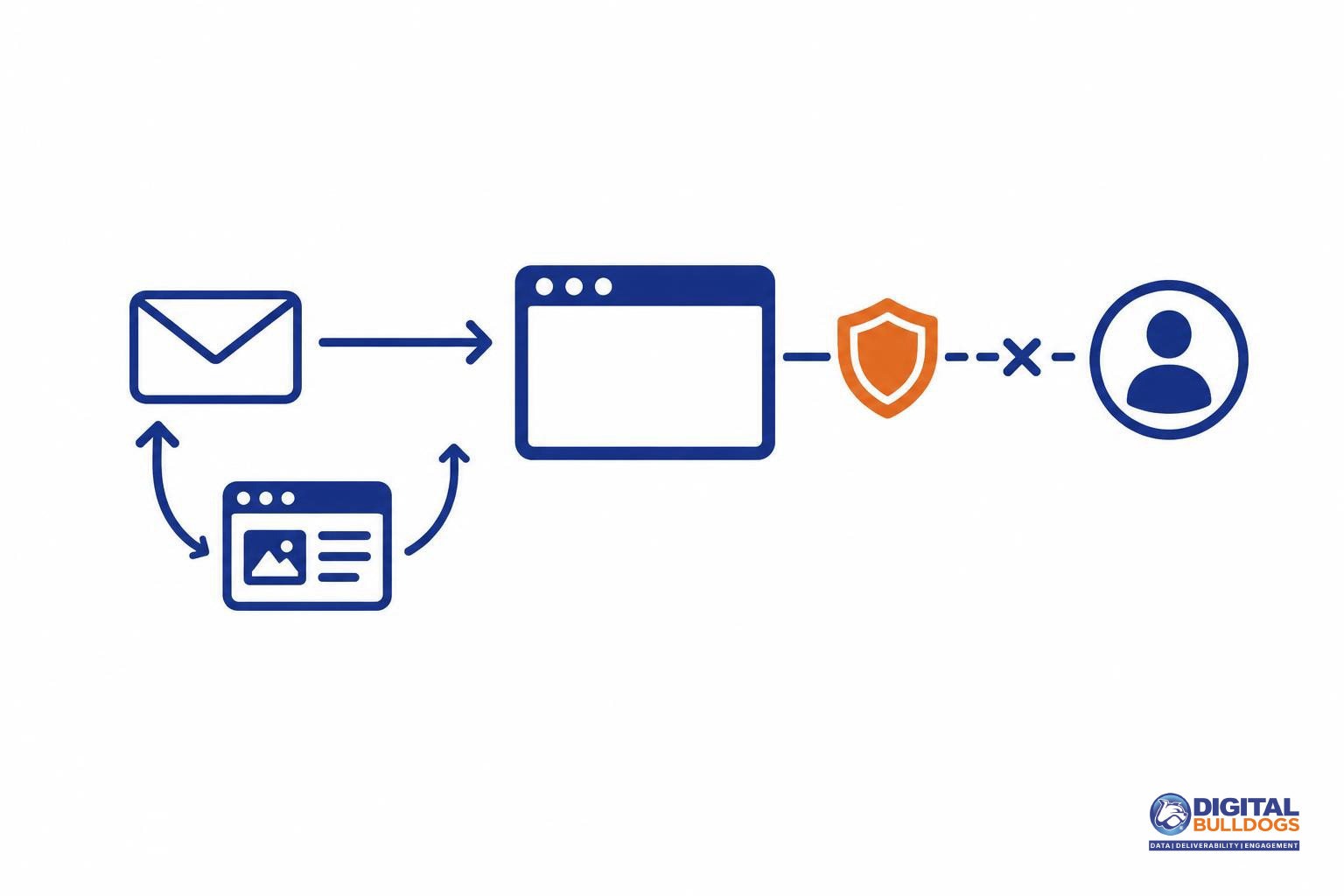
An email-based identifier does not make an audience workflow immune to browser tracking protections. WebKit describes blocking network access at the domain level to identity-resolution infrastructure in the platform releases identified in its explanation of identity-resolution tracking protections. That makes the browser requests behind a matching workflow important—not just the identifier it produces.
The practice WebKit describes involves an embedded third party collecting an email address and returning an identifier that can support tracking across websites. Replacing a cookie with an email-derived identifier does not remove that cross-site tracking capability.
WebKit also distinguishes first-party personalization from third-party infrastructure with cross-site tracking capabilities. Using information a customer gives your business to personalize their experience is not the same workflow as sending that information to an embedded third party that can connect activity across sites. The protection is not a blanket statement that every identity-resolution service is blocked.
Before relying on a vendor’s audience-reach claims, ask:
- Does the workflow depend on browser requests to third-party identity domains?
- What information leaves your site, and what identifier comes back?
- What happens to matching when those network requests are blocked?
If you need to evaluate the matching method itself, review how deterministic and probabilistic identity matching differ. Keep that question separate from whether the browser permits the data exchange the workflow needs.
A matched customer is not automatically eligible for an ad audience
A successful match does not establish that you can upload or use that customer information for advertising. Google Customer Match permits uploads of information customers shared with your business in a first-party context, subject to its customer data collection and audience-use policy. Recognizing a customer and having permission to activate their information are separate checks.
Google requires privacy disclosures about sharing customer data with third parties to perform services on your behalf, along with consent where applicable law or Google policy requires it. These are platform requirements—not a statement that every US customer-data use is governed by a universal opt-in law. Approved upload methods and restrictions on audience use also apply.
That distinction matters when you append data. An appended or purchased identifier should not be assumed eligible simply because it matches an existing customer. The match does not establish where the identifier came from, how it was collected, or whether its proposed use meets Customer Match requirements.
Before an upload, record:
- Collection source: Where and how your business obtained the information, including whether the customer shared it directly.
- Intended use: What you plan to do with the audience, rather than treating every advertising use as interchangeable.
- Applicable permissions: Which disclosures and permissions support that use, including consent where required.
- Destination requirements: Whether the platform permits the data, upload method, and proposed audience use.
If that record is incomplete, resolve the gap before uploading. More matchable identifiers are not a substitute for documented eligibility.
Audit the record before you append more data
Before adding data, check what you already know—and what the record permits you to do. Use this recommended operating checklist to separate a data-quality problem from a permissions question:
- Identify the source. Record where the information came from, such as a customer form, a purchase or a vendor file.
- Separate supplied from inferred identifiers. Note which email address or other identifier the customer provided directly and which fields came from a match or append.
- Check freshness. Record when each relevant field was last verified and how it was checked. Treat an unknown verification date as uncertainty, not confirmation.
- Document approved uses. Keep the collection context, relevant notices, consent records and approved marketing uses alongside the data.
Correcting an existing customer record, acquiring a new identifier and authorizing a new marketing use are separate decisions. For example, Google’s Customer Match policy requires information collected in a first-party context, appropriate privacy disclosures and consent where required. A vendor match alone does not establish that those conditions have been met.
Hypothetical situation: A customer supplied a work email address but has since changed employers. A vendor returns a possible new business address. Keep the original address and its source history; store the proposed replacement separately, labeled with its source, match uncertainty and verification status. Do not silently overwrite the customer-supplied field or treat the proposed address as permission for a new campaign.
If your audit identifies missing or outdated business fields, B2B and first-party data append may be a useful next step for evaluating those gaps. Keep field verification and marketing-use approval as separate checks.
For email, inspect delivery separately from audience matching
An identifiable customer can still have an email delivery problem. Matching an address asks whether a record connects to a customer. Delivery checks ask whether the receiving service accepts the message and where it places it. Those are different questions.
Google’s email sender guidelines require all senders to personal Gmail accounts to use SPF or DKIM authentication. Bulk senders must use both SPF and DKIM, publish a DMARC policy, and align the visible From domain with either the SPF or DKIM domain. Marketing and subscribed messages from bulk senders must also support one-click unsubscribe and include a clearly visible unsubscribe link in the message body.
Authentication is only part of the review. Google also advises sending to people who want the messages, honoring unsubscribe requests, and monitoring spam complaints. A recognizable address does not establish that the recipient expects the current campaign.
Before blaming the audience source, inspect:
- Authentication results: Check SPF, DKIM, DMARC, and domain alignment in received-message headers.
- Bounce responses: Review rejection and deferral messages for evidence of authentication, address, or sending problems.
- Complaints and unsubscribes: Look for unwanted-mail signals and confirm that unsubscribe requests reach your suppression process.
- Available placement observations: Review evidence of inbox or spam placement separately from address matching and message acceptance.
A successful match does not guarantee inbox placement, and meeting sender requirements does not guarantee it either. If the review reveals gaps in suppressions or address quality, ongoing list management and hygiene can help maintain those records while delivery issues are investigated separately.
Choose the next step from the evidence
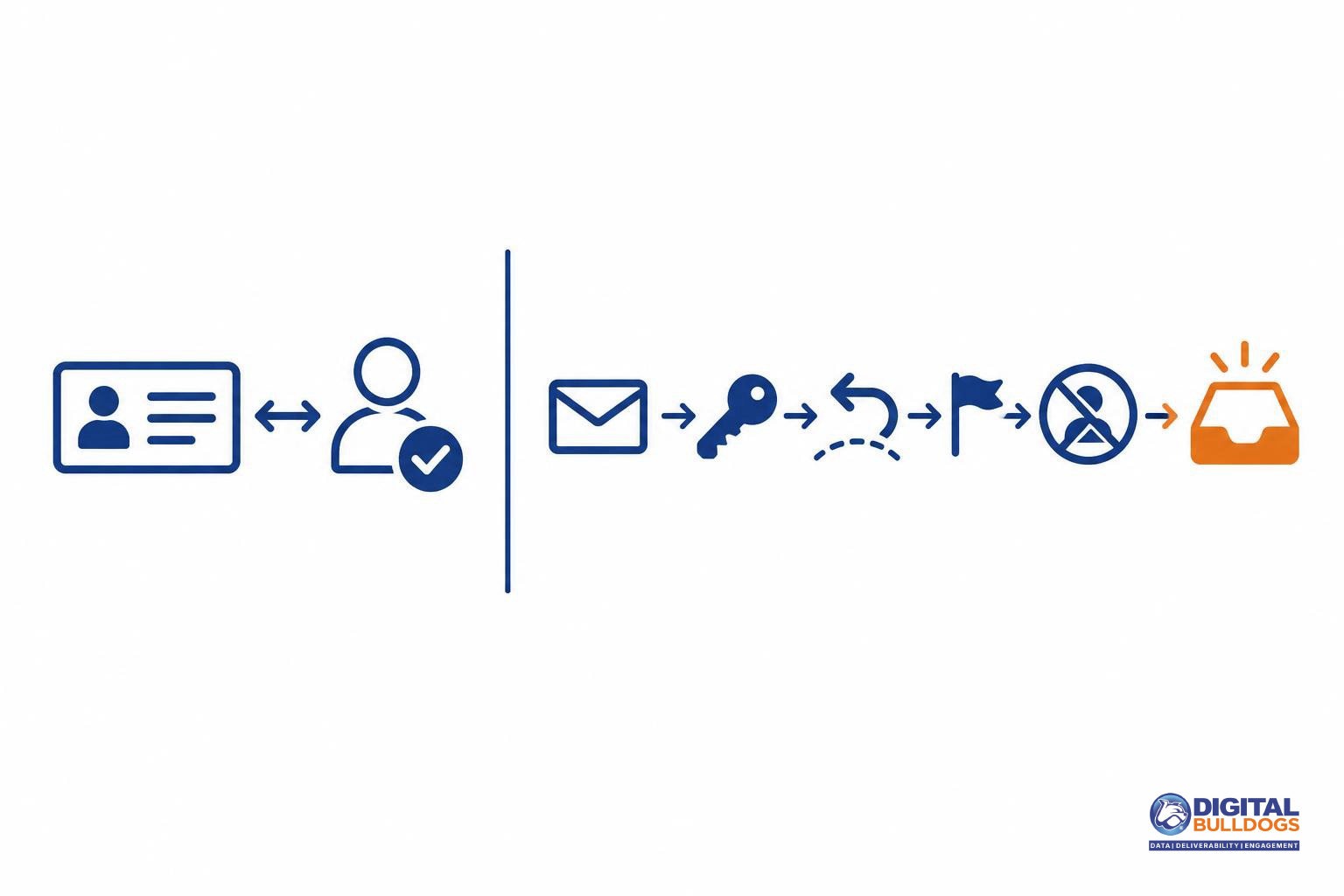
Start with the point where reach breaks down: website recognition, audience eligibility, or email delivery. Each calls for a different check—not automatically more data.
- If website recognition is missing, review browser-dependent integrations. Check which browser, browsing mode, and identifiers the integration relies on. Chrome’s decision to maintain its existing approach to third-party cookie choice does not mean every visit has the same tracking conditions. WebKit also describes blocking infrastructure used for email-based cross-site identity resolution, so adding an email identifier is not a universal fix.
- If an audience upload is ineligible, review the destination’s rules. For Google Customer Match, check the collection context, disclosures, required consent, upload method, and intended audience use against Customer Match policy. A successful match does not settle whether that record may be used for the planned campaign.
- If email delivery is failing, inspect sending evidence separately. Review authentication, alignment, unsubscribe support, and sending practices against the applicable Gmail sender requirements. An audience match is not evidence that a message reached the inbox.
Before appending identifiers or expanding activation, resolve where the records came from and what uses are permitted. Then decide whether the evidence points to an integration review, an eligibility issue, a data-quality check, or delivery work.
Digital Bulldogs can be a next step for reviewing audience data and email delivery, with services including audience data append, identity resolution, list hygiene, DNS authentication, and inbox placement monitoring. If your team cannot tell whether the problem is the data or the delivery, you can Book a free consult.
Keep researching on Digital Bulldogs
Frequently asked questions
Did Chrome remove third-party cookies for everyone?
No. Google’s April 2025 update said Chrome would maintain its existing approach to third-party cookie choice, rather than introduce a new standalone prompt. Incognito blocks third-party cookies by default, but that is not the same as removing them for every Chrome user. Before blaming a reach change on cookie removal, check which browser settings and browsing modes your audience actually uses.
Does Safari block every kind of identity resolution?
No. WebKit distinguishes first-party personalization from cross-site tracking. Its identity-resolution blocking announcement describes domain-level blocking of infrastructure used for invisible, email-based cross-site identity collection in the specified platform releases—not a blanket ban on recognizing customers. When evaluating an identity tool, ask whether it supports recognition within your own customer relationship or connects someone’s activity across unrelated sites.
Can I upload purchased or appended email addresses to Google Customer Match?
Not simply because the addresses match your customer records. Google’s Customer Match policy requires customer information collected in a first-party context, along with appropriate privacy disclosures, consent where required, and approved upload methods. Purchased addresses do not become eligible through matching alone. For appended addresses, verify how each address was collected and whether its proposed use meets those requirements before uploading.
Why can a matched email address still have delivery problems?
A match is not an inbox-placement check. Google’s email sender guidelines address authentication, sending practices, unwanted mail, and additional requirements for bulk senders to personal Gmail accounts. An address appearing in a matched audience does not establish that your messages meet those requirements. Investigate delivery separately: review authentication, applicable alignment and unsubscribe requirements, and whether recipients want the messages you send.
Sources
- Next steps for Privacy Sandbox and tracking protections in Chrome · Google Privacy Sandbox · 2025-04-22
- Blocking Identity Resolution Infrastructure · WebKit · 2026-10-19
- Customer Match policy · Google Ads
- Email sender guidelines · Google Gmail Help