

IP Reputation vs Domain Reputation: What Follows You?
In the ip reputation vs domain reputation comparison, neither is always more important for inbox placement: Outlook.com considers both alongside authentication, list accuracy and complaints. If you change sending IPs or email service providers, the IP reputation assessed belongs to the infrastructure you use, while retaining your sending domain can provide continuity in domain-based reputation across sending environments.
This article compares what each reputation attaches to, how sending behavior shapes both, and what Gmail, Outlook.com and Yahoo actually disclose. It also explains what can follow you through a migration and how to use delivery errors, authentication checks and reputation signals to decide whether your next step should address the IP, the domain or the sending practices behind them.
IP reputation vs domain reputation: neither works alone
Both matter, and neither is universally more important. Google’s Postmaster Tools documentation describes domain and IP reputation as assessments of sending quality based on behavior associated with each identity. It also identifies separate delivery errors for low IP reputation and low domain reputation. Either can be part of a delivery problem.
The provider guidance cited here does not establish a universal weighting formula. Instead of asking which reputation always wins, ask: Which signals are causing trouble at the mailbox provider where delivery has changed? A problem affecting Gmail recipients, for example, calls for evidence from Gmail—not an assumption that every provider evaluates your traffic the same way.
Sending setup and behavior also connect the two. Google’s email sender guidelines warn that other senders’ activity can affect the reputation of a shared IP, while recipient spam reports can lower a domain’s reputation. The same guidance calls for authentication, sound subscription practices and gradual sending-volume increases. Focusing on only the IP or only the domain can leave an important cause unaddressed.
Finally, a favorable reputation assessment is not an inbox-placement guarantee. Google explicitly cautions in its Postmaster Tools interface update that reputation is only one factor affecting deliverability. Treat reputation as diagnostic evidence alongside authentication, complaints and delivery errors—not as a standalone verdict on whether your next campaign will reach the inbox.
Comparison table: what each reputation attaches to
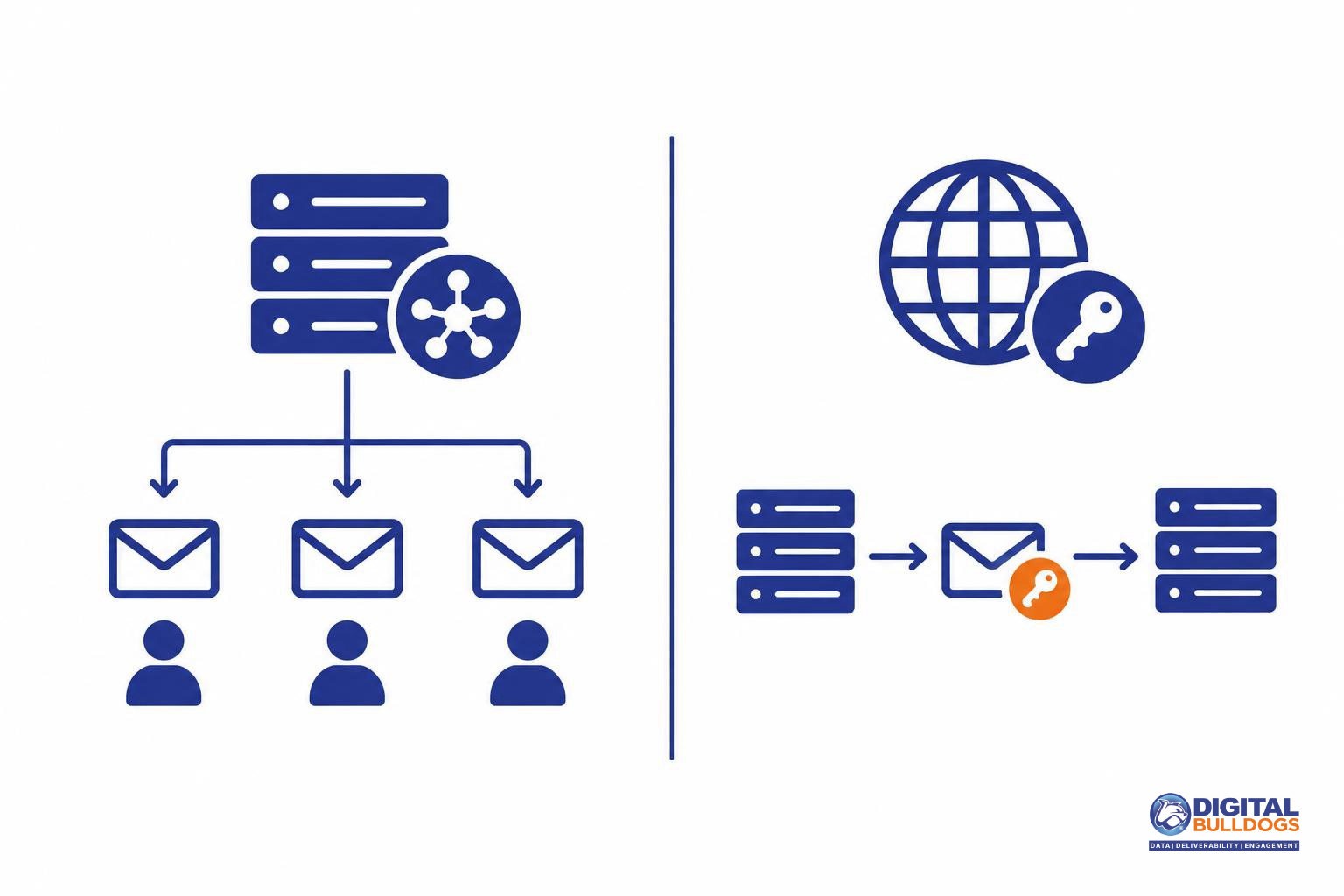
IP reputation attaches to sending infrastructure; domain reputation attaches to sender identities associated with the message. Moving infrastructure changes one part of that picture, not necessarily the other.
| Dimension | IP reputation | Domain reputation | Practical implication |
|---|---|---|---|
| Identity | Concerns the sending server’s IP address. | Concerns domains associated with the message, including authenticated sender identities. Google reports IP and authenticated-domain reputation separately. | Check which identity a reputation signal describes before deciding what to change. |
| Shared exposure | A shared sending IP exposes your mail to the effects of other senders’ activity on that address. | Distinct DKIM identities help receivers distinguish senders using shared infrastructure. | Shared infrastructure does not have to mean shared sender identity. |
| Migration | A different IP means different infrastructure is being assessed; a new IP may have no established reputation. | Retaining an authenticated sending domain maintains continuity of identity. Microsoft says an existing domain reputation may benefit new IPs authenticated under its SPF records. | An IP or ESP change is not a clean reset of every reputation signal. |
| Control | A dedicated IP gives you more control over its sending traffic, but consistent sending practices still matter. | An owned sending domain provides an identity independent of an ESP’s shared domain. | Choose infrastructure and domain identities you can manage consistently. M3AAWG’s sender practices address dedicated infrastructure, distinct identities and sending consistency. |
How sending behavior builds both reputations
Your sending habits matter to both domain and IP reputation. Google’s email sender guidelines explain that spam complaints can lower domain reputation, while activity from other senders can affect the reputation of a shared IP. That means your own list practices matter even when someone else manages the infrastructure.
Authentication helps connect messages to an identifiable sender, but it does not make an unwanted message welcome. Microsoft lists IP reputation, domain reputation, authentication, list accuracy and complaints among its Outlook.com filtering factors. Treat DNS authentication setup for SPF, DKIM and DMARC as a foundation—not a replacement for recipient permission, accurate addresses or content people want.
The operational work is ongoing. M3AAWG’s sender best practices emphasize consistent sending volume, permission and address management. Put those principles into daily campaign operations:
- Keep sending patterns steady. Plan volume changes rather than introducing abrupt bursts.
- Maintain accurate lists. Process delivery failures and suppress addresses that persistently bounce.
- Act on complaints and unsubscribes. Keep those addresses suppressed across campaigns and sending systems.
- Check audience updates before activation. For direct-response marketers and agencies, adding or refreshing audience records should not bypass subscription checks or overwrite existing unsubscribe and complaint suppressions.
These practices address the behavior behind reputation problems. Changing infrastructure without fixing that behavior leaves the underlying issue unresolved.
What Gmail, Outlook.com and Yahoo actually disclose
Neither IP reputation nor domain reputation tells the whole story. These providers describe several filtering signals, but their guidance does not give you a numerical formula for deciding which reputation matters more.
Gmail: separate signals, not a published weighting
Google’s Postmaster Tools documentation describes domain and IP reputation alongside authentication, spam complaints, compliance status, and delivery errors. It also distinguishes delivery errors associated with low IP reputation from those associated with low domain reputation. That makes both worth investigating; it does not establish a numerical IP-versus-domain weighting. Google’s email sender guidelines connect deliverability to authentication, infrastructure, complaint control, and responsible subscription practices—not reputation alone.
Outlook.com: complaints carry particular importance
Microsoft’s Outlook.com sender guidance lists sending IP, domain, authentication, list accuracy, complaints, and content among filtering factors. It identifies complaints as a principal negative influence on sender reputation and deliverability. For marketers, that means an IP change is not a substitute for addressing unwanted mail or inaccurate recipient data. This guidance concerns Outlook.com; it should not be treated as a complete description of filtering for every Microsoft-hosted business mailbox.
Yahoo: reputation is part of the decision
Yahoo’s Sender Hub FAQ explains that spam placement reflects a combination of reputation and other mailing characteristics, rather than poor reputation alone. A spam-folder result therefore does not, by itself, identify whether your IP or domain is the problem.
The practical takeaway: use each provider’s evidence to investigate delivery problems instead of assuming that IP or domain reputation always dominates.
What follows you when you change IP or ESP?
Changing your IP or email service provider (ESP) changes your sending infrastructure—not necessarily the reputation attached to your domain. The M3AAWG Sender Best Common Practices explain that a distinct DKIM identity can retain earned domain reputation when a sender moves to another environment. That continuity is a reason to review your sending identities before a migration, rather than treating the move as a fresh start.
IP reputation has a different starting point. Microsoft’s Outlook.com sender guidance says previously unused sending IPs generally lack an established reputation, while a new IP authenticated under an existing SPF domain may benefit from that domain’s reputation. That possible benefit is not an assurance of inbox delivery.
Before switching, record which identities will stay and which will change:
- Visible From domain: the domain recipients see in the sender address.
- DKIM signing domain: the domain used to sign your messages.
- Return-path domain: the envelope-sender domain used for bounce handling and SPF authentication.
- Sending IP: the address of the server delivering the messages.
The practical implication: keeping a domain does not erase its history, and moving the same list and complaint-generating practices does not address their underlying causes. Validate authentication on the new setup before increasing traffic. Google’s sender guidelines call for authenticated sending, gradual volume increases and monitoring of server responses, spam rates and domain reputation.
A new IP and a new domain introduce different unknowns. If your domain is changing too, review how to warm up a new sending domain. Increase legitimate sending gradually and let provider feedback guide adjustments—not a promised migration or recovery deadline.
How to investigate an IP issue versus a domain issue
Start with the affected messages and the receiving provider’s delivery errors—not a reputation score alone. Record the sending IP, authenticated domains, authentication results, and any rejection or temporary-deferral response. Compare those details with messages the same provider accepted.
- Read the error literally. Google documents separate delivery errors for low IP reputation and low sending-domain reputation. An explicit error is evidence about that delivery attempt, not a complete explanation of every inbox or spam-folder outcome.
- Compare like-for-like traffic. Look for differences across sending IPs while keeping the authenticated domain and message stream as consistent as possible. Then compare providers. Outlook.com identifies IP, domain, authentication, list accuracy, and complaints as filtering factors, so a difference between IPs or providers is an investigative clue—not proof of a single cause.
- Read the available signals together. Review compliance, authentication, spam-rate, and delivery-error data alongside complaint signals. Google’s Postmaster Tools transition notice currently says legacy-interface deprecation is postponed; domain and IP reputation dashboards are absent from the newer interface and planned for retirement. Google also cautions that reputation is only one deliverability factor. Missing reputation data therefore does not establish that a sender is healthy or damaged.
If you need a broader domain-level review, follow how to check email domain reputation without a Gmail score. When investigating a possible listing, check domain and IP blocklist status separately rather than treating them as interchangeable identities.

Choose the next step from the evidence
Match the fix to the evidence: investigate infrastructure when errors point to an IP, correct authentication when it fails, and address sending practices when complaints or list quality are the problem.
- IP-reputation error or suspected shared-pool issue: Ask your ESP to investigate the affected sending IPs and shared pool while you review your own traffic, volume changes and recipient sources. Google warns that other senders on a shared IP can affect its reputation, so the investigation should cover both the infrastructure and what you send through it.
- Authentication failures: Correct the sending configuration before expanding volume. Check that your ESP is authorized to send for your domain and that messages authenticate as intended. A move is not a clean slate: Microsoft says new sending IPs lack an established reputation, although authentication under an existing SPF record can help transfer some domain reputation.
- Complaints or list-quality problems: Review whether recipients expected your messages, suppress people who complain or unsubscribe, and remove invalid addresses. Yahoo advises senders to suppress recipients who report messages as spam; an infrastructure change does not resolve those underlying subscription problems.
A broader repair plan should follow the documented causes, not assume a new IP, dedicated IP or ESP will improve inbox placement. For domain-related findings, use this guide on how to improve domain reputation for email deliverability to organize your next steps.
If you need hands-on diagnosis, explore Digital Bulldogs’ domain reputation repair service or book a free consult to discuss your sending setup. The aim is to identify and address the causes—not promise inbox placement or recovery.
Frequently asked questions
Does Gmail care more about domain reputation than IP reputation?
Google does not publish a simple rule that domain reputation always matters more than IP reputation. Its Postmaster Tools documentation describes separate domain and IP reputation signals, including delivery errors associated with each. Treat them as separate diagnostic clues, not competing scores: a favorable signal for one does not establish that the other is healthy.
Does changing email service providers reset my domain reputation?
No—do not treat an ESP change as a clean slate for your domain. M3AAWG’s sender practices describe domain identities as reputation signals that provide continuity across sending environments. Moving infrastructure while keeping those identities does not erase that continuity. Before migrating, identify which sending domains and authentication identities will remain the same rather than assuming a new provider means a fresh reputation.
Can other senders on a shared IP affect my email delivery?
Yes. Google explicitly warns that other senders’ activity on a shared IP can affect every sender using that IP. That makes shared infrastructure worth investigating when delivery deteriorates, but it is not proof that another customer caused the problem. Check your own authentication, complaints and sending patterns alongside the shared-IP evidence before deciding to move.
Will a dedicated IP fix poor inbox placement?
Not by itself. Microsoft lists IP reputation alongside domain reputation, authentication, list accuracy and complaints as filtering inputs, and notes that new sending IPs have no established reputation. A dedicated IP therefore is not an automatic upgrade in inbox placement. First determine whether the evidence points to an IP problem or to issues that changing infrastructure would leave untouched.
Why can’t I see domain or IP reputation in the newer Postmaster Tools interface?
Those dashboards are not included in the newer interface. Google’s Postmaster Tools transition notice explains their planned retirement and the postponement of legacy-interface deprecation. Their absence is an interface change, not evidence that your reputation has disappeared or improved. Google also cautions that reputation is only one deliverability factor, so avoid treating a missing dashboard as a diagnosis.
Sources
- Postmaster Tools dashboards · Google
- Learn about the deprecation of the old Postmaster Tools interface · Google
- Email sender guidelines · Google
- Sender Support in Outlook.com · Microsoft
- FAQs | Sender Hub · Yahoo
- M3AAWG Sender Best Common Practices · Messaging, Malware and Mobile Anti-Abuse Working Group